Fold drawings, flat patterns and folding times, without a CAD seat
Turn a STEP file or a few numbers into a cut-ready flat pattern and a fold sheet the press-brake operator can work from. Then time every fold on the shop floor.
Upload the 3D model, get the flat
Folded sheet-metal parts unfold using your K-factor. You get a DXF ready to nest and a full drawing with top, front, side, isometric and flat views.
- Several bodies in one STEP file, each unfolded
- Thick flat plates come straight through as a profile
- Small flanges get outside arrows and leader labels so every size is readable
- Send the DXFs straight into a quote, thickness and quantity filled in
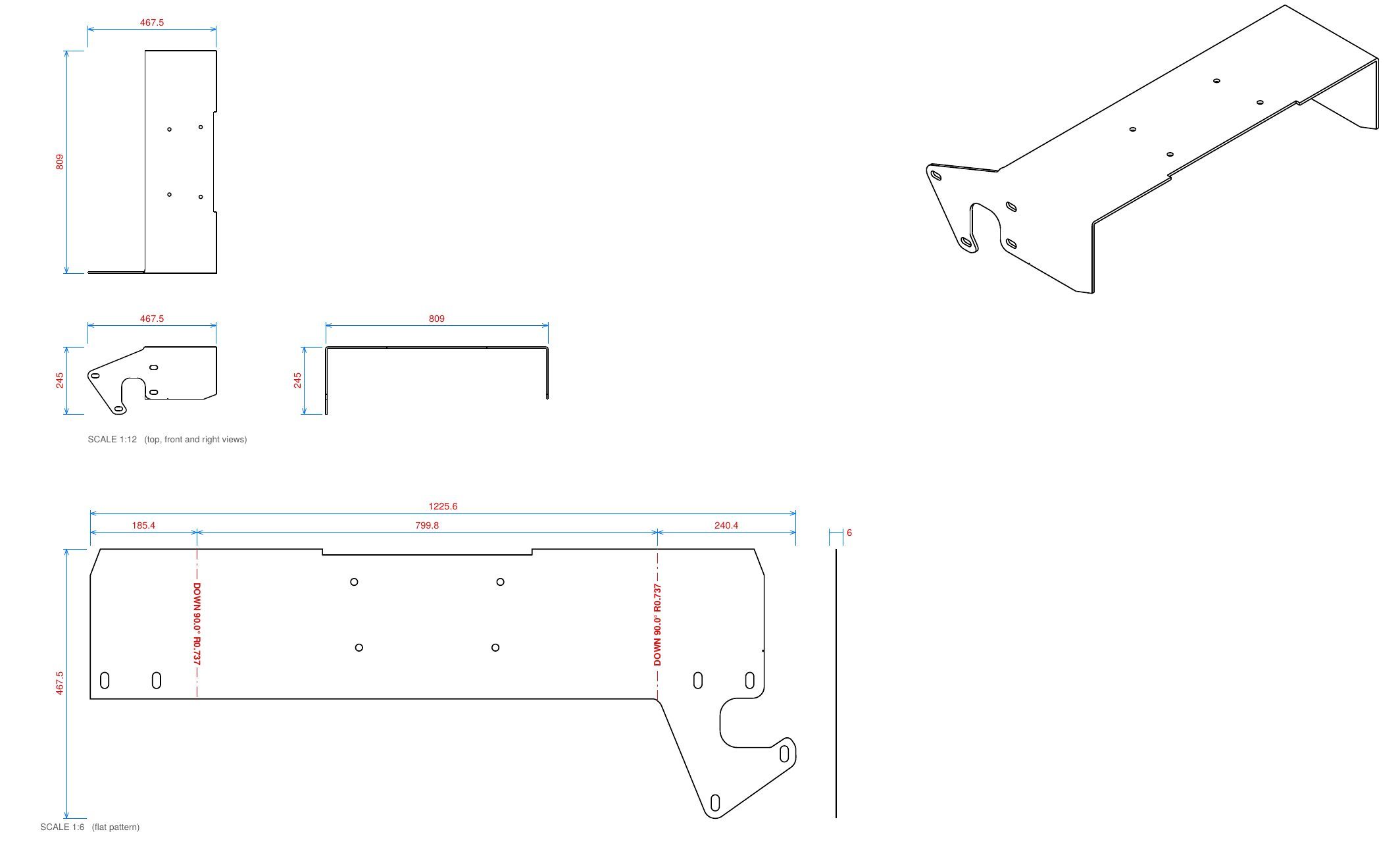
Everything the press brake needs on one page
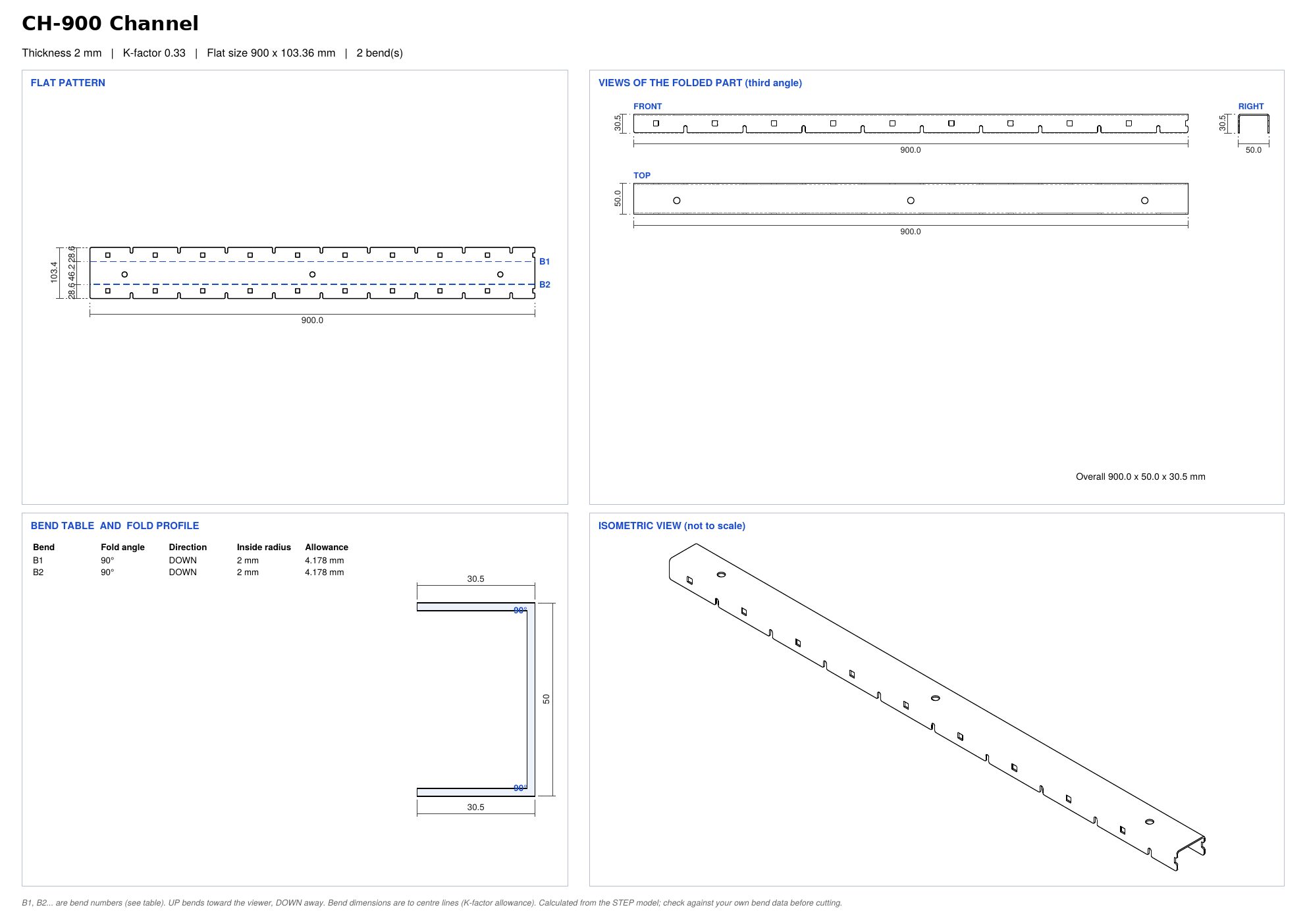
Every folded part gets a fold sheet: the flat pattern with numbered bend lines, the folded views, the bend table and the fold profile, with an isometric view to show what it should look like.
- Bend table with angle, direction, inside radius and allowance
- UP and DOWN marked on every bend line
- Folded overall size shown on the sheet
- PDF and DXF downloads from the same screen
Draw a folded profile from numbers
No model? Enter leg lengths, angles and directions and get the flat pattern and fold drawing for channels, angles, cappings and flashings.
Time every job at the press brake
Operators open the folding queue on a tablet, pick the order, see the drawings and notes, and start, pause and finish the job. The time goes back to the order.